
Looks like you're visiting from {country}...
Switch to our {language} site for local pricing and products
Merchant insights
How to accept credit card payments: a guide for UK businesses

IN THIS ARTICLE
This is a div block with a Webflow interaction that will be triggered when the heading is in the view.

Card payments are a central part of how customers pay in the UK. For businesses, accepting them starts with choosing a payment provider and a setup that suits the way customers buy from you.
Whether you need a simple payment terminal or a POS system that also helps you manage sales, understanding your options can make the decision easier.
In this guide, we'll explain what you need to accept credit card payments, the different in-person setups available, what they can cost and how to choose the right option for your business.
Key takeaways:
- To accept credit card payments, you need a payment provider and a way for the customer to pay, such as a terminal.
- You can take card payments through a terminal, mobile POS or a full POS-system.
- Card payment costs can include transaction fees, monthly fees and other provider charges, so clear pricing matters.
- The right setup should be easy for staff to use, reliable during busy periods and simple to manage.
What do you need to accept credit card payments?
To start accepting card payments, you need to have two elements in order. A payment provider and a way for customers to pay.
Merchant account and payment provider basics
Your payment provider handles the process of moving a card payment from the customer through the payment network and into your business. A merchant account can form part of that setup. With some providers, it is built into the service, while others may require a separate account or agreement.
Payment terminal, mobile POS or full POS system: which do you need?
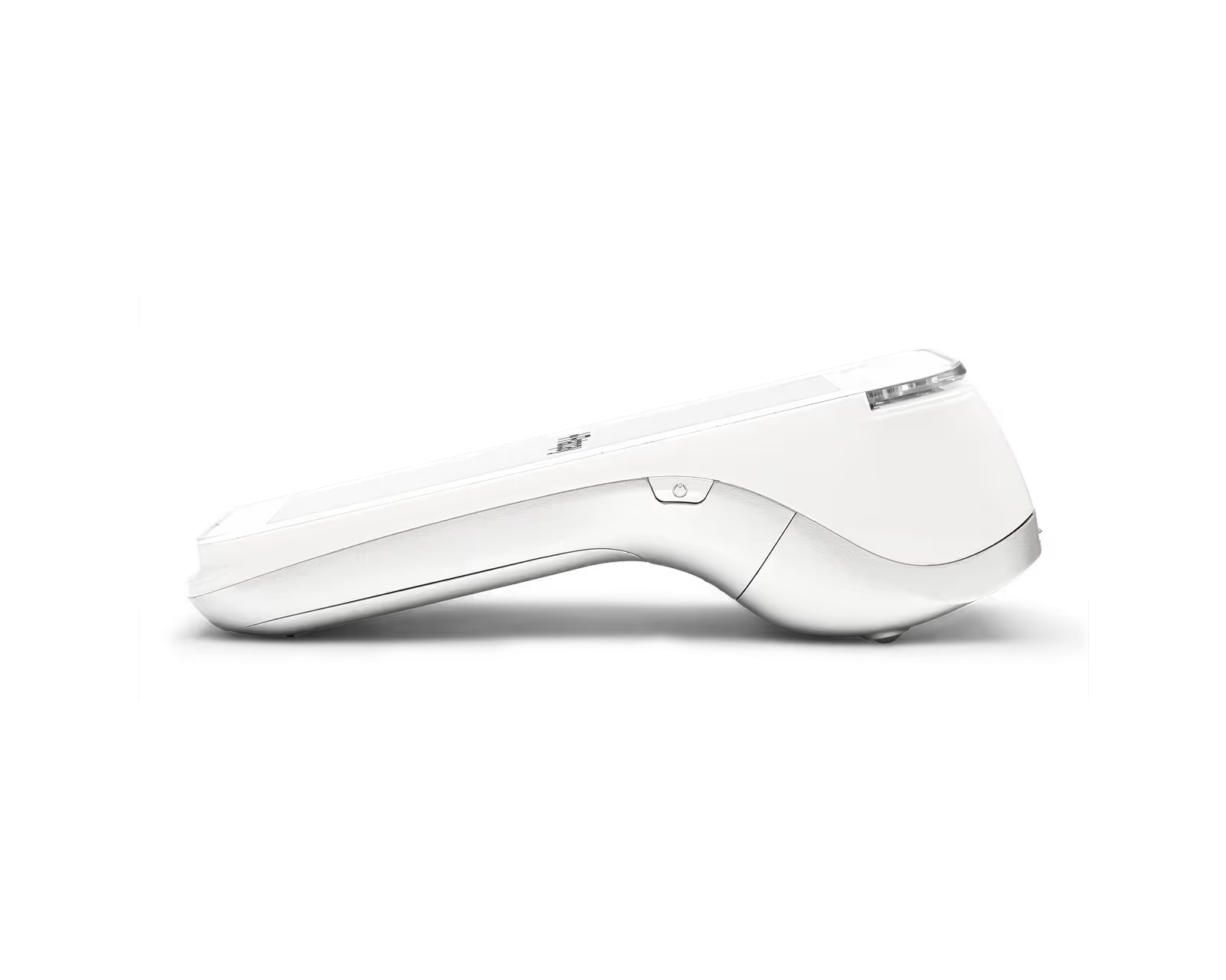
The right setup depends on where you take payments and what else you need to manage. A payment terminal is a straightforward choice for accepting card payments, while a mobile POS lets staff process sales away from the main counter. A full POS system adds features such as product management and sales reporting.
If you also sell through a website, you'll need a separate online payment solution that supports ecommerce. The options below focus on accepting payments in person.
Ways to accept credit card payments
There are several ways to take card payments, and many businesses use more than just one.
Accepting credit card payments with a payment terminal
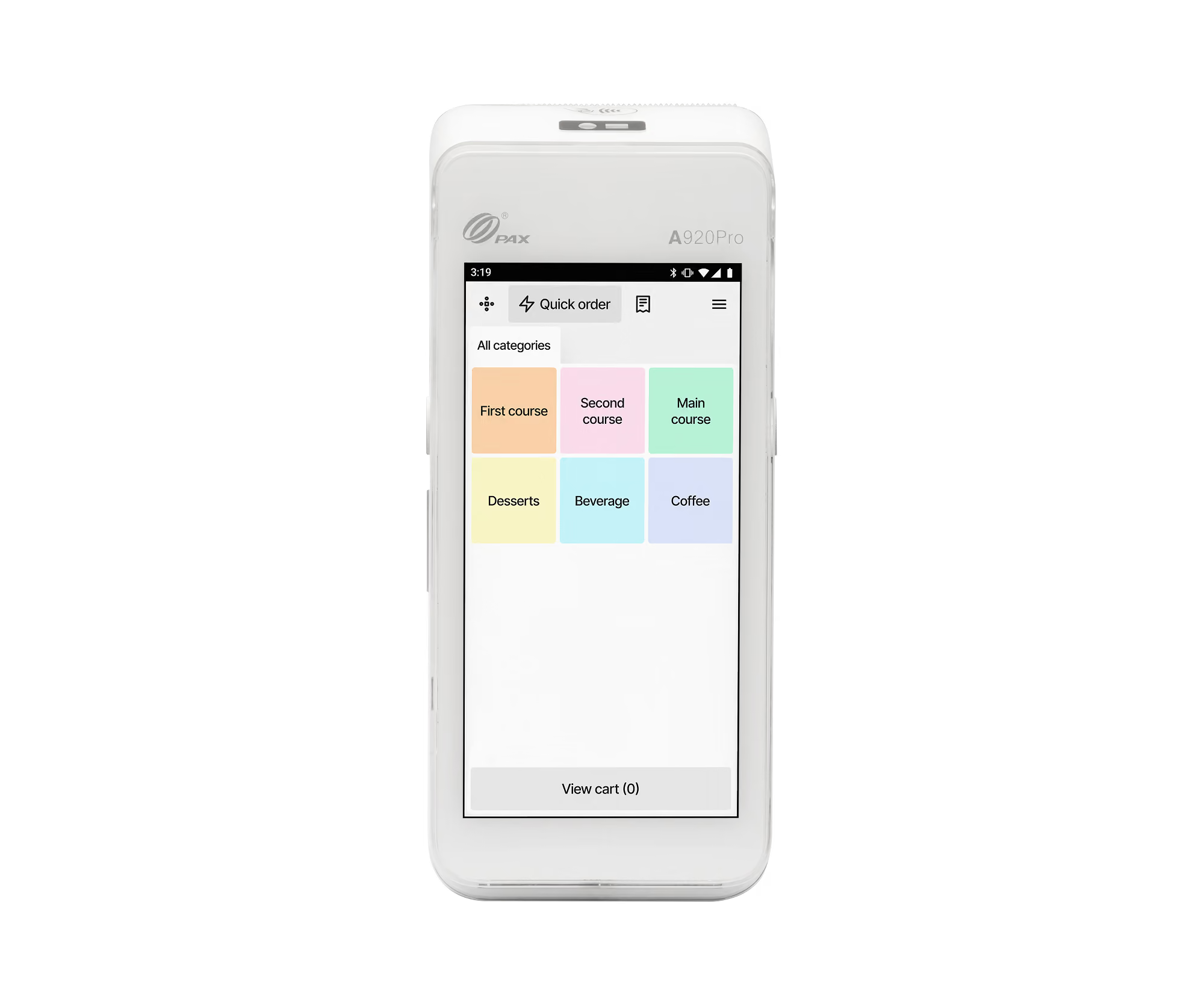
For shops, cafés and other face-to-face businesses, a payment terminal lets customers pay by card, contactless or chip and PIN.
A standalone terminal is a straightforward option if you mainly need to accept payments without a full POS system. It gives staff a simple way to process transactions at the counter.
Want to know what happens when a customer taps their card? Read our guide to how a card reader works.
Accepting credit card payments with a mobile POS
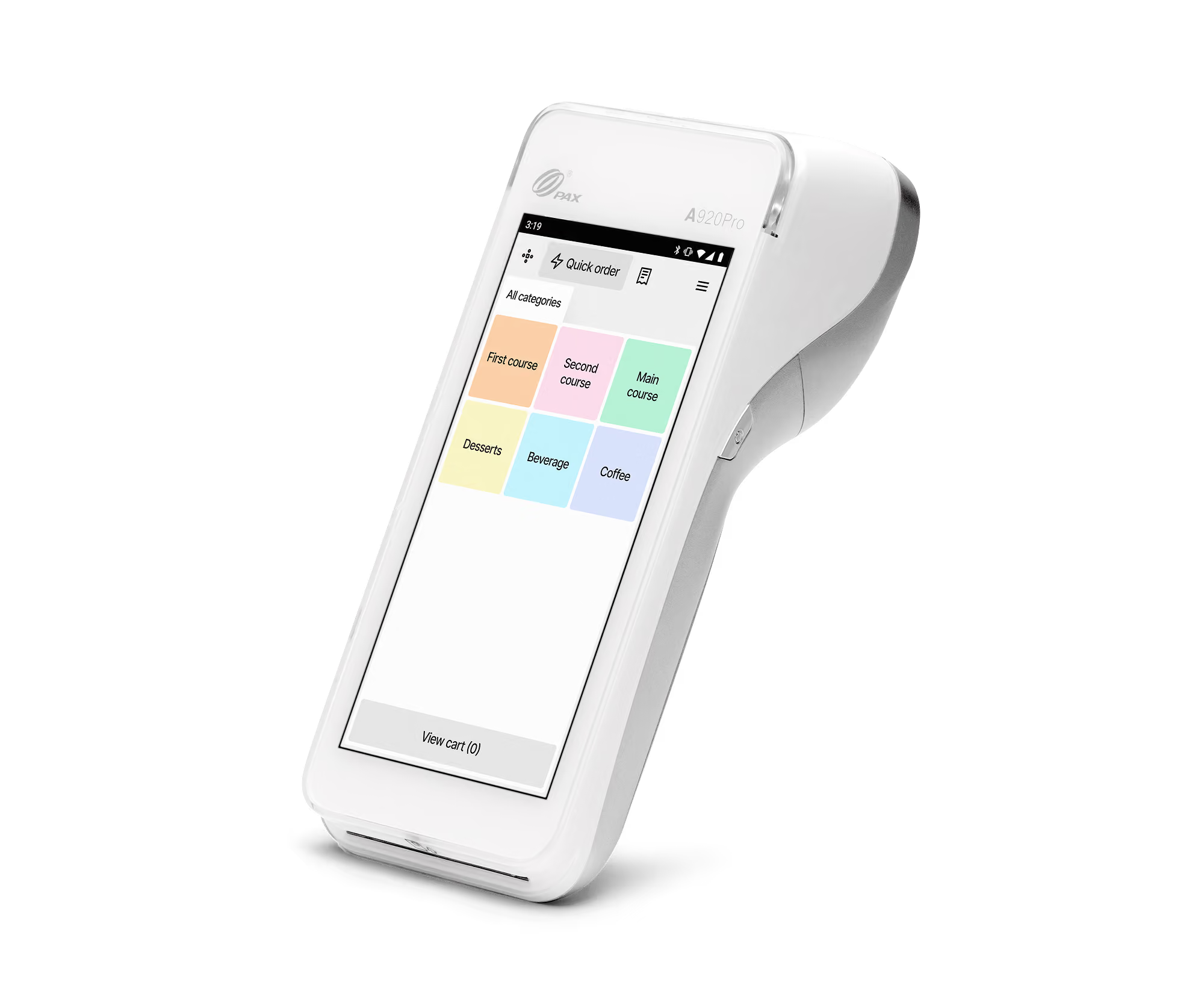
Some businesses need to take payments away from a fixed till. A mobile POS (mPOS) allows staff to serve customers and process sales in different areas of the venue.
Used alongside a main POS system, it can be useful for restaurants, bars and other businesses where customers don't always pay at the counter. Staff can bring the payment process to the customer rather than asking them to move to a separate checkout.
Accepting credit card payments with a full POS system
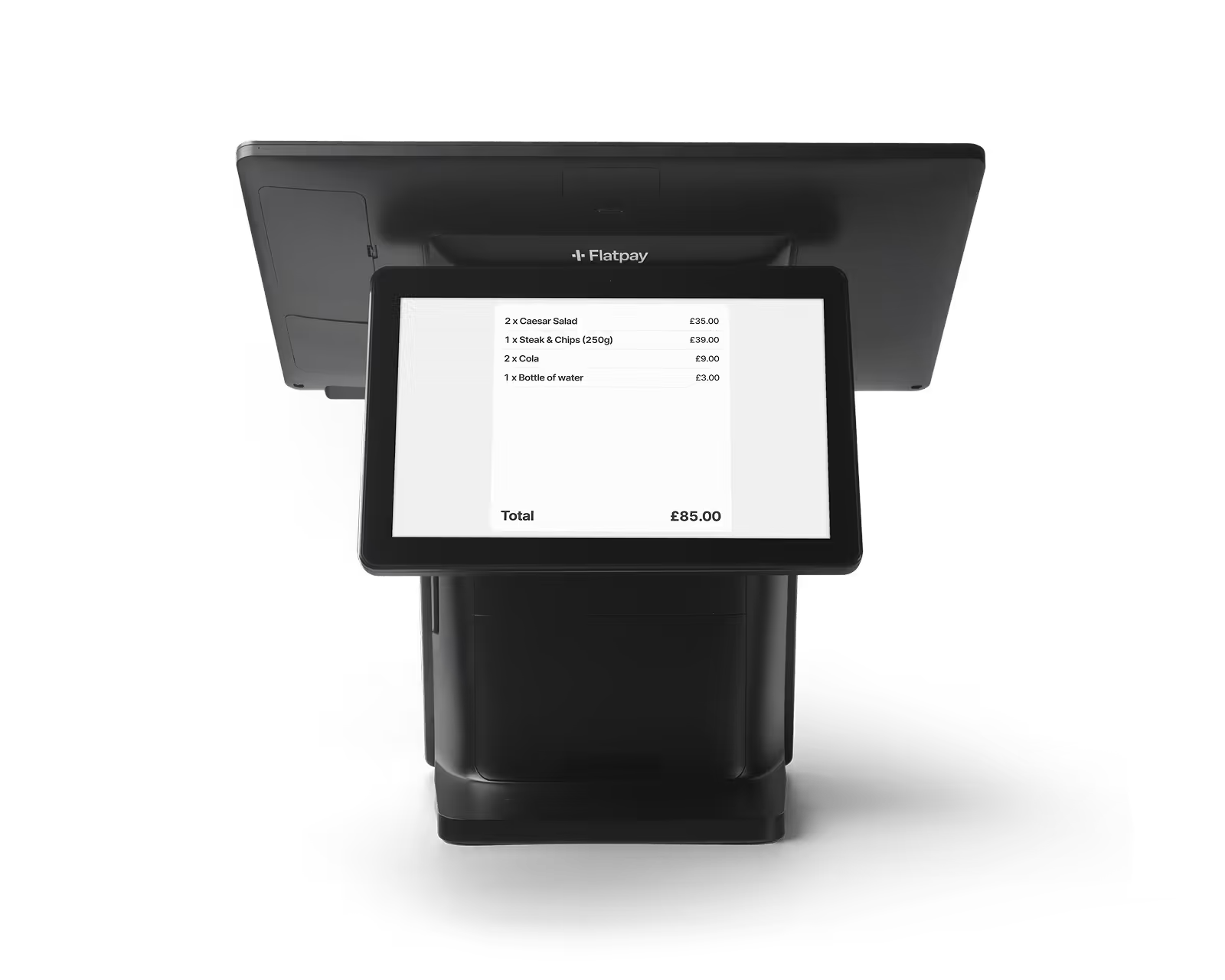
If you need more than a way to accept payments, a POS system brings checkout and sales management together.
Alongside processing card payments, it lets you manage products, track transactions and access sales reporting. This makes it a practical option for businesses that want to handle payments and keep an overview of daily sales through one setup.
How much does it cost to accept credit card payments?
Cost is usually one of the first things businesses look at, but providers can structure their fees in very different ways.
Transaction fees, monthly fees and other costs to watch for
Most providers charge a fee each time you take a payment. Depending on the provider, you may also pay monthly fees, hardware costs or other service charges.
Our guide to credit card machine fees explains the different costs you may come across and what to compare before choosing a payment provider.
Finding the cheapest way to accept credit card payments
The lowest advertised transaction rate is not always the lowest overall cost. Monthly fees, hardware charges and other extras can all affect what you actually pay.
The most useful comparison is the total cost for your business. Clear pricing makes that easier, because you can see what is included and plan your payment costs without unexpected charges.
How to start accepting credit card payments: step by step
Once you know how you want to take payments, getting the right setup in place comes down to a few practical steps.
Choosing a payment provider
Compare providers on clear pricing, reliable hardware and the support available when you need it. Our guide to merchant services further explains what to look for before choosing a provider.
Setting up your hardware or checkout
Once you have chosen a provider, the next step is getting your POS system, payment terminal or mobile POS ready for use.
Make sure the setup works for the way your business takes payments and that staff know how to use it before you start serving customers.
Taking your first payment
Run a test payment before you start using the setup every day. This helps confirm everything is working as expected and gives staff a chance to get comfortable with the payment process before it gets busy.
How do I choose the right way to accept credit card payments?
Start by thinking about where customers pay and what your staff need from the setup.
A standalone payment terminal may be enough for a small shop or café that simply needs to take card payments. If you need to manage products, process orders and review sales in one place, a full POS system offers more functionality. Businesses where staff move between tables or different areas of a venue may also benefit from adding a mobile POS to their main system.
Compare the total costs, the features you'll actually use and the support available before making your decision.
Clear payments across multiple stores
Sif Jakobs Jewellery uses Flatpay across their physical stores, where a simple and reliable payment setup helps keep the focus on customers and the business itself.
“With their simple and transparent pricing model, we have been able to save money each month while still offering a top-notch payment solution to our customers.” – Sif Jakobs Jewellery
Read the full Sif Jakobs Jewellery story.
Are you ready to set up and accept card payments? Then take a look at Flatpay's payment terminal, and see how it could fit into the way your business works.
FAQ
Can I accept credit card payments without a card reader?
Yes. Some payment providers offer online checkouts, payment links or services that let you accept contactless payments on a compatible phone without separate hardware. If you're taking payments in person, a payment terminal or POS system is another option.
How quickly can I start accepting credit card payments?
It depends on the provider, the equipment you've chosen and the onboarding process. A standalone terminal may require less configuration than a full POS system, which can also involve setting up products and training staff.
For more details, explore our setup guides for payment terminals and POS systems.
Do I need a merchant account to accept credit cards?
You need a payment provider or acquiring setup to process card payments, but you may not need to open a separate merchant account yourself. Some providers include that part of the service, while others require a separate merchant account or agreement.



Accepting payments for any business, anytime, anywhere
Three solutions designed to get you paid.


Getting paid starts here
Let us get you set up to accept card payments and manage orders in one place. Get started today and see how smooth running your business can be with Flatpay.

