
Looks like you're visiting from {country}...
Switch to our {language} site for local pricing and products
Merchant insights
How does a card reader work?
Taking card payments has become second nature for most businesses. A customer taps their card, waits a second or two, and the payment is complete.
IN THIS ARTICLE
This is a div block with a Webflow interaction that will be triggered when the heading is in the view.
.avif)
But behind that quick interaction, several systems are working together to move money securely from the customer’s account to yours.
We’ll explain how card readers work, the different types available, and how card readers and POS systems fit together.
Key takeaways:
- A card reader is the device customers use to pay by card or mobile wallet.
- Card readers securely send payment information through the payment network for approval.
- Most modern card readers support contactless, chip and PIN, and mobile payments.
- Card readers and POS systems often work together but serve different purposes.
- Choosing the right setup depends on how your business operates day to day.
What is a card reader?
A card reader is the device used to accept card and contactless payments. You’ve probably also heard it referred to as a card machine, a card terminal, or a payment terminal – in practice, the terms are often used interchangeably
Card readers allow customers to pay using:
- Debit cards
- Credit cards
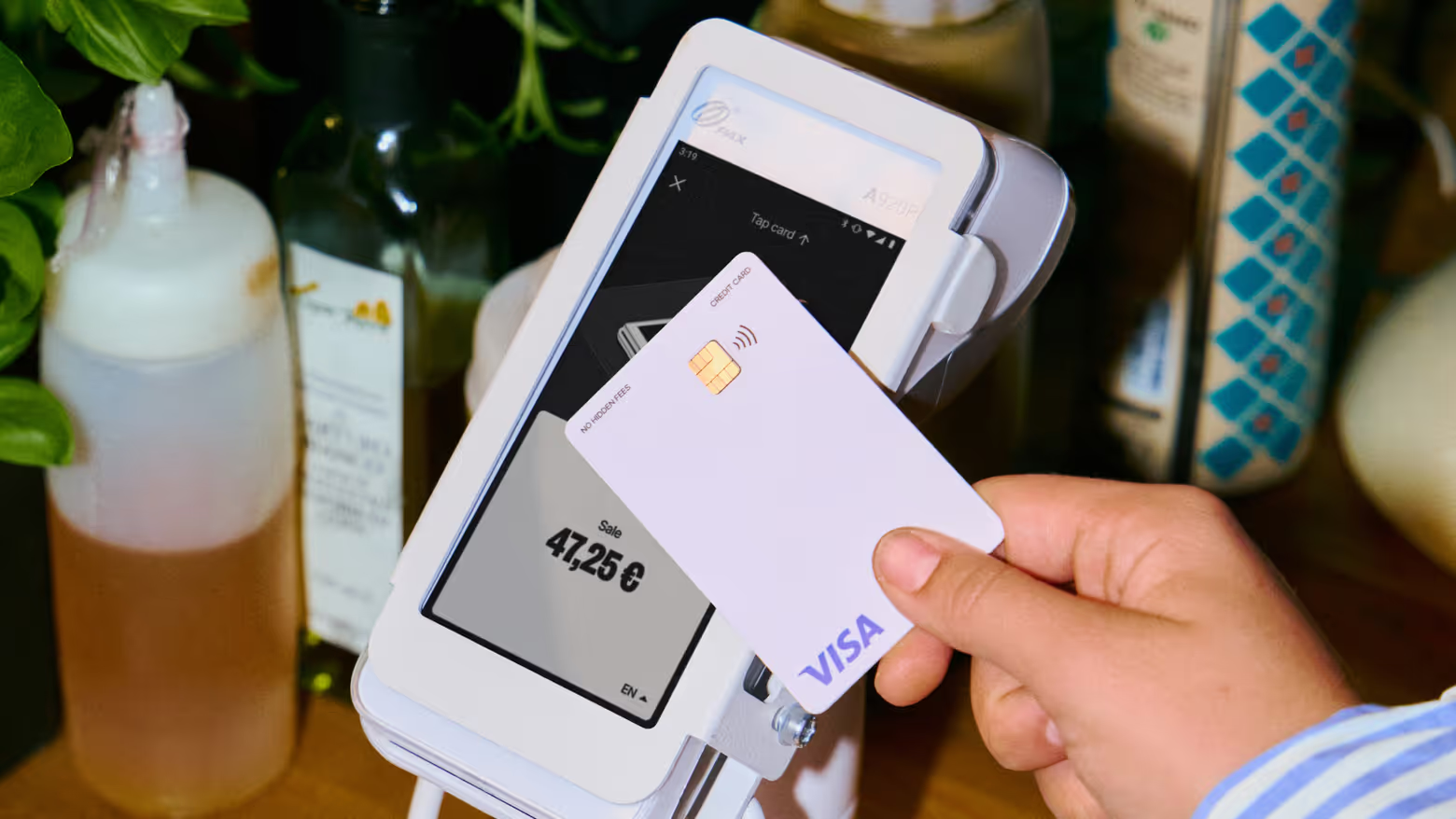
- Contactless cards
- Mobile wallets such as Apple Pay and Google Pay
For many businesses, it’s one of the most frequently used tools in day-to-day operations.
How do card readers work?
When a card reader is used, the payment happens in seconds. Behind the scenes, here’s what it takes to make that happen:
1. The customer presents their payment method
The payment starts when the customer:
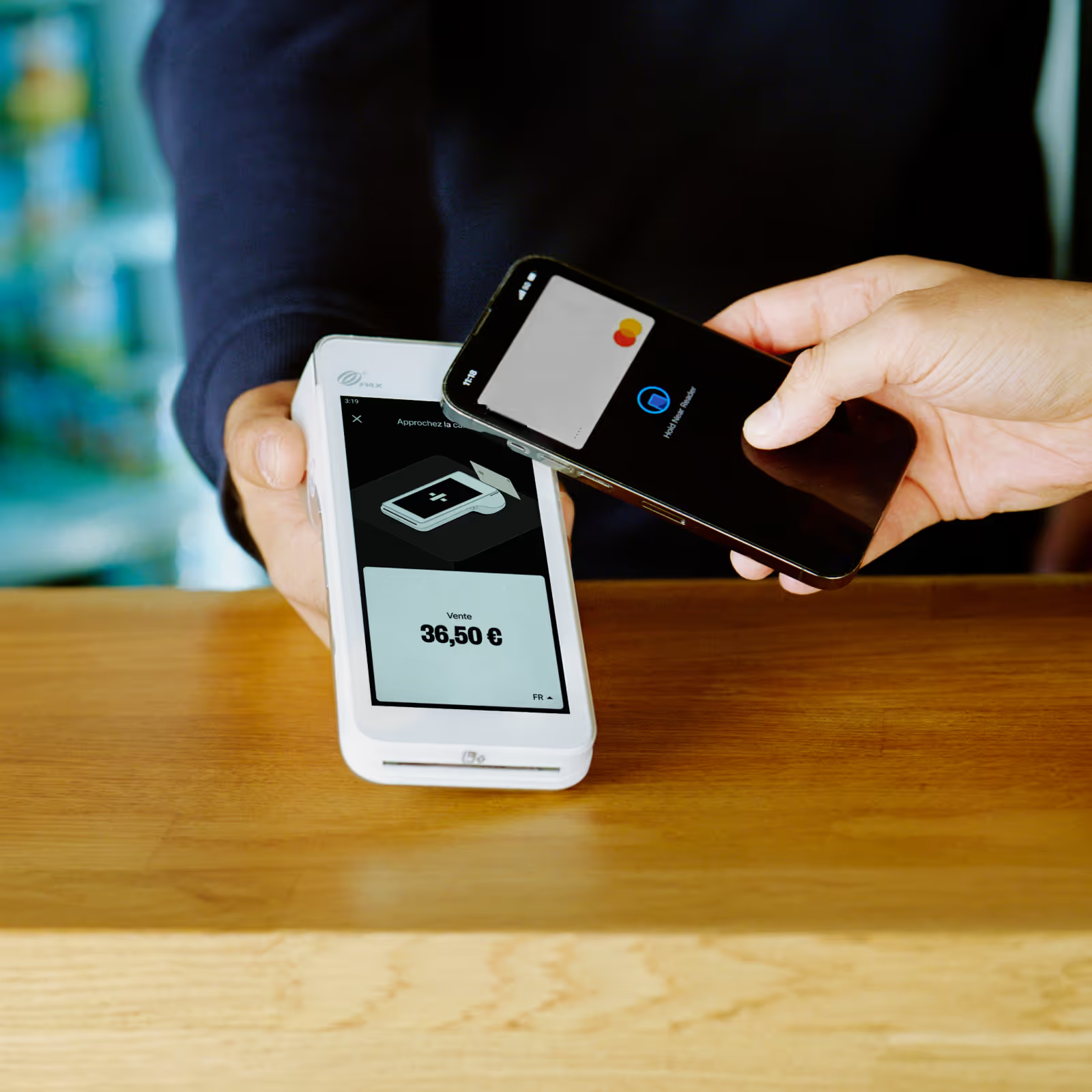
- Taps their card or phone
- Inserts their card into the reader
- Swipes their card (less common today)
The card reader securely captures the payment information.
You might also be interested in: NFC: what is it, and how does it work?
2. The card readers sends the payment for authorisation
The card reader securely transmits transaction data through the payment network.
At this stage, checks happen in the background to confirm:
- The card is valid
- Funds are available
- Security requirements are met
- The transaction appears legitimate
3. The customer’s bank approves or declines the payment
The issuing bank reviews the request and returns a response. This usually takes only a few seconds.
If approved, the transaction can continue.
4. The transaction is completed
The payment is recorded and the sale is completed.
Depending on the setup, receipts may be printed or sent digitally, and sales records update automatically.
From the customer’s perspective, the experience is simple: tap. Confirm. Done.
How many types of card readers are there?
There are several types of card readers fit for different types of businesses:
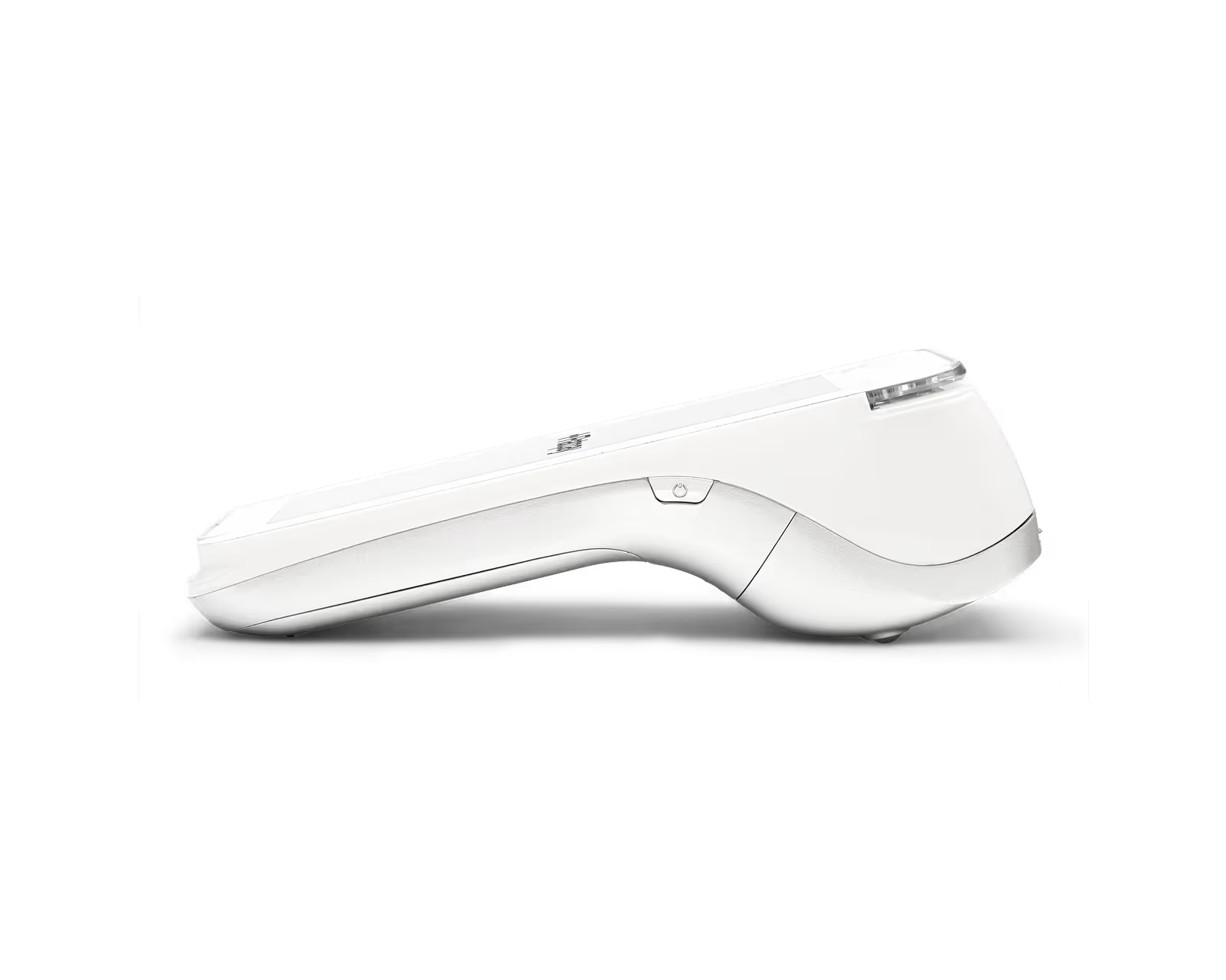
Portable card reader
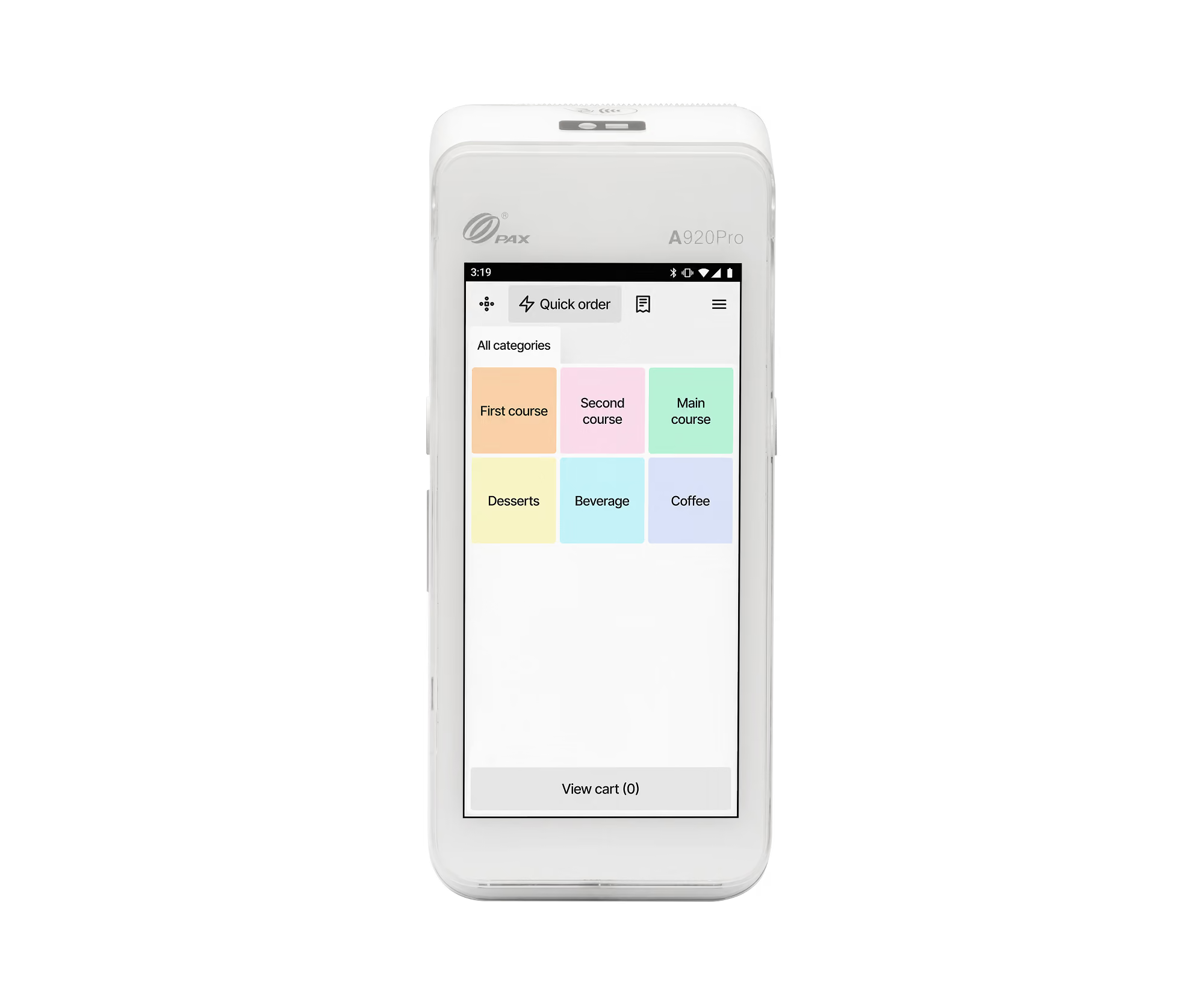
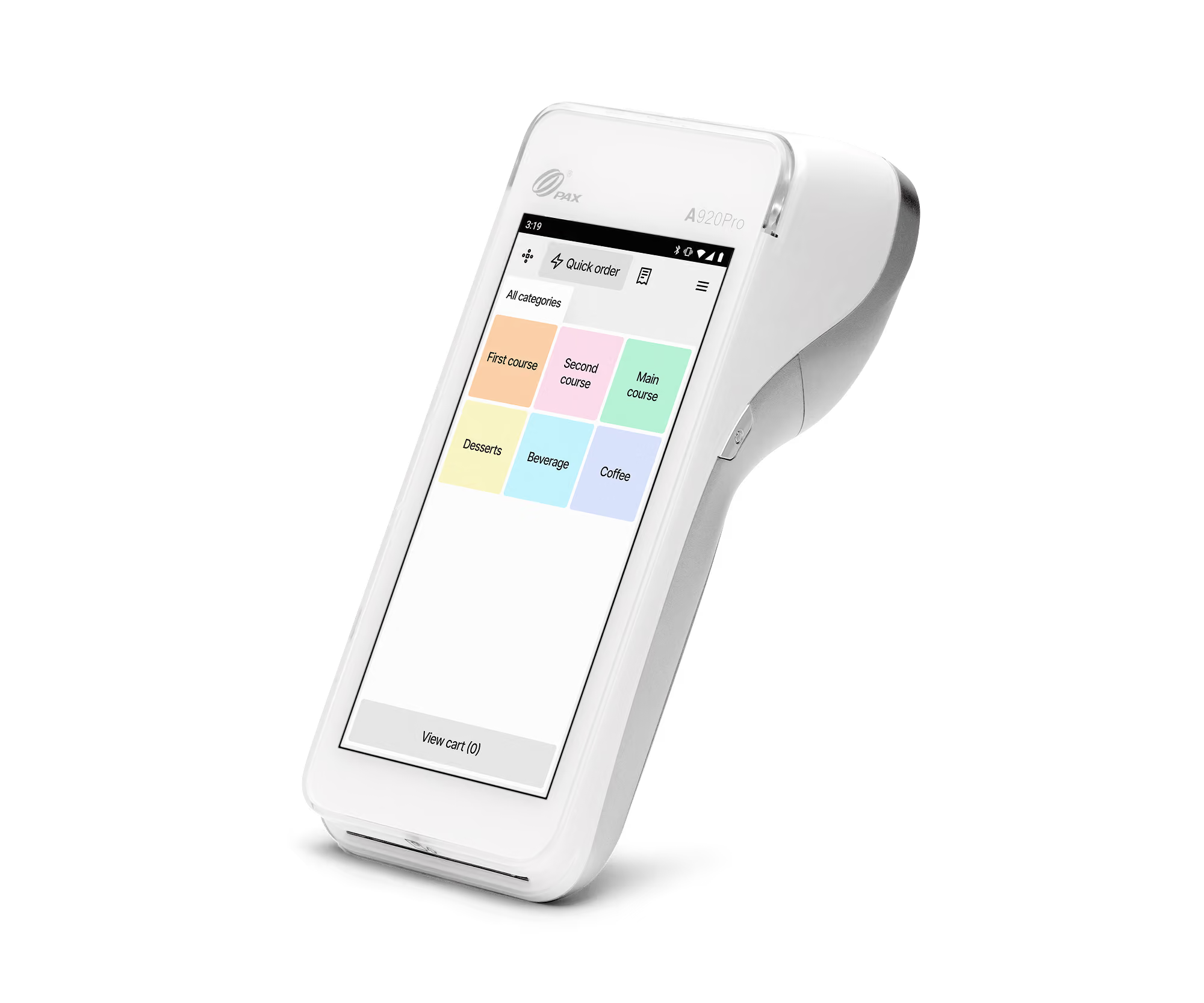
Portable card readers connect through WiFi or mobile networks and allow payments throughout your business.
These are often used by:
- Restaurants
- Cafés
- Hospitality businesses
- Service businesses
Portable card readers help reduce queues and give staff more flexibility.
Countertop card reader
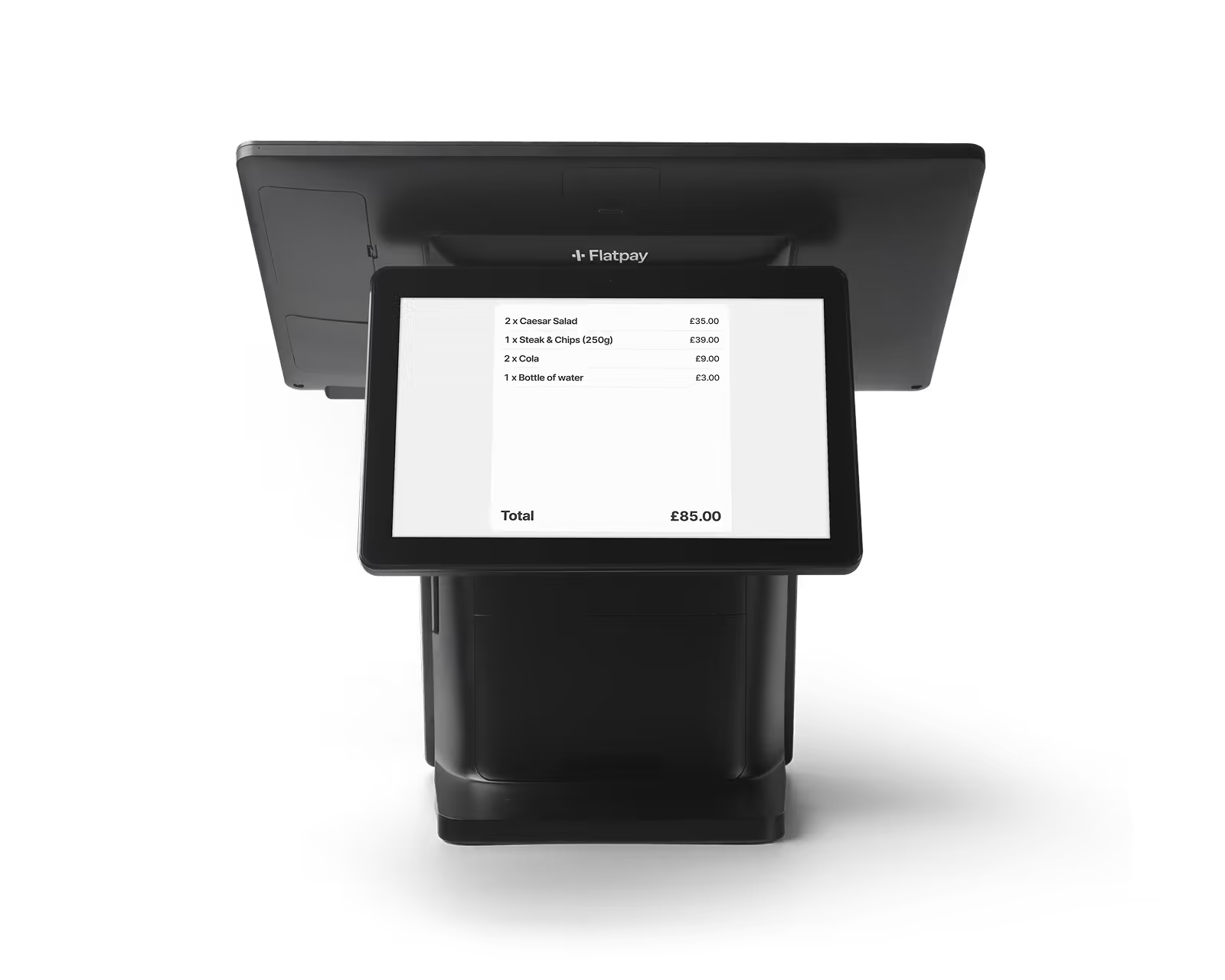
Countertop readers stay in a fixed location.
They’re common for:
- Retail shops
- Reception desks
- Checkout counters
They work well when payments always happen in one place.
Mobile card reader
Mobile readers are smaller devices that often connect with an app.
They’re often used by:
- Small businesses
- Pop-ups
- Market traders
- Businesses on the move
Integrated card reader
Integrated card readers connect directly with a POS system. This allows payment processing and reporting to work together in one workflow.
These are common for:
- Retail
- Restaurants
- Multi-location businesses
Carder reader and POS – how do they work together?
Card readers and POS systems are closely connected, but they’re not the same thing.
A card reader processes the payment. A POS system helps manage everything around the sale.
That can include:
- Entering orders
- Tracking sales
- Managing inventory
- Reporting and analytics
- Day-to-day operations
Here’s a simple example:
A customer orders in a café.
The POS records the order → the total is sent to the card reader → the customer pays → the sale updates automatically.
If you want to learn more, read our guide: What is a POS system – and how does it work?
How to choose the right card reader
The right card reader depends on how your business operates.
We recommend looking for something that is:
- Easy to use
- Reliable during busy periods
- Flexible enough for your setup
- Transparent on pricing
- Simple for staff to learn
For many small businesses, simplicity matters just as much as features.
Common questions about card readers
What’s the difference between a card reader and a card terminal?
In most cases, there’s no difference between a card reader and a card terminal – they’re just different names for the same device. Some businesses also use terms like card machine, payment terminal, or PDQ machine. The exact wording often depends on the provider or industry rather than functionality.
Does a card reader need internet?
Most modern card readers require an internet connection through WiFi, Ethernet, or mobile data to process payments.
Can a card reader work without a POS system?
Yes. Some businesses use standalone card readers without a full POS setup.
Do card readers accept mobile payments?
Most modern card readers support Apple Pay, Google Pay, and other contactless wallet payments.
Are card readers secure?
Modern card readers use encryption and secure payment networks to protect payment information during transactions.
A simpler way to take payments
Card readers should make payments easier, not more complicated. That’s where Flatpay comes in.
Flatpay gives you a simple way to accept payments with:
- £0 monthly fees
- No hidden charges
- One simple 1.49% flat transaction rate
Spend less time thinking about payments – and more time running your business.

Accepting payments for any business, anytime, anywhere
Two solutions designed to get you paid.


Getting paid starts here
Let us get you set up to accept card payments and manage orders in one place. Get started today and see how smooth running your business can be with Flatpay.

