
Looks like you're visiting from {country}...
Switch to our {language} site for local pricing and products
Merchant insights
What is an EPOS system? Meaning, benefits, and how it works
If you're researching ways to improve how your business operates, you've probably come across the term EPOS system.

IN THIS ARTICLE
This is a div block with a Webflow interaction that will be triggered when the heading is in the view.

But what exactly is an EPOS system, and how is it different from a POS system?
While many people use the terms interchangeably, EPOS systems are about more than simply processing payments. They help businesses track sales, monitor performance, and gain valuable insights into their day-to-day operations.
We'll explain what an EPOS system is, how it works, and why businesses across the UK rely on EPOS technology to stay organised and in control.
Key takeaways:
- An EPOS (electronic point of sale) system combines payment processing, sales tracking, and reporting in one solution.
- Modern EPOS systems help businesses manage transactions, inventory, and business performance.
- EPOS systems are used by retailers, restaurants, cafés, bars, salons, and many other businesses.
- The terms POS and EPOS are often used interchangeably today, but EPOS typically refers to systems with digital reporting and management features.
What is an EPOS system?
An EPOS (electronic point of sale) system is the hardware and software used to process sales and manage business activity. It records transactions digitally and provides insights that help business owners understand how their business is performing.
EPOS systems don’t just complete sales: they store and organise information about every transaction. This allows businesses to access reports, track trends, and make more informed decisions.
Today, EPOS systems are used by businesses of all sizes, from independent cafés and retail shops to restaurants, bars, and multi-location businesses.
What does EPOS stand for?
EPOS stands for electronic point of sale. The ‘electronic’ part is what separates modern EPOS systems from traditional cash registers.
Because transactions are recorded digitally, businesses can:
- View sales reports
- Monitor business performance
- Track inventory
- Review transaction history
- Access real-time insights
Instead of relying on manual record-keeping, businesses can see important information automatically as sales happen.
What’s the difference between a POS and an EPOS system?
The terms POS and EPOS are often used interchangeably – especially when discussing modern payment systems. However, there is actually a subtle difference between them.
A traditional POS (point of sale) refers to the place where a transaction happens. Historically, this could simply be a cash register or card terminal used to process payments.
An EPOS system takes things a step further by recording transactions digitally and turning sales data into useful business information.
Here’s a quick overview of their differences:
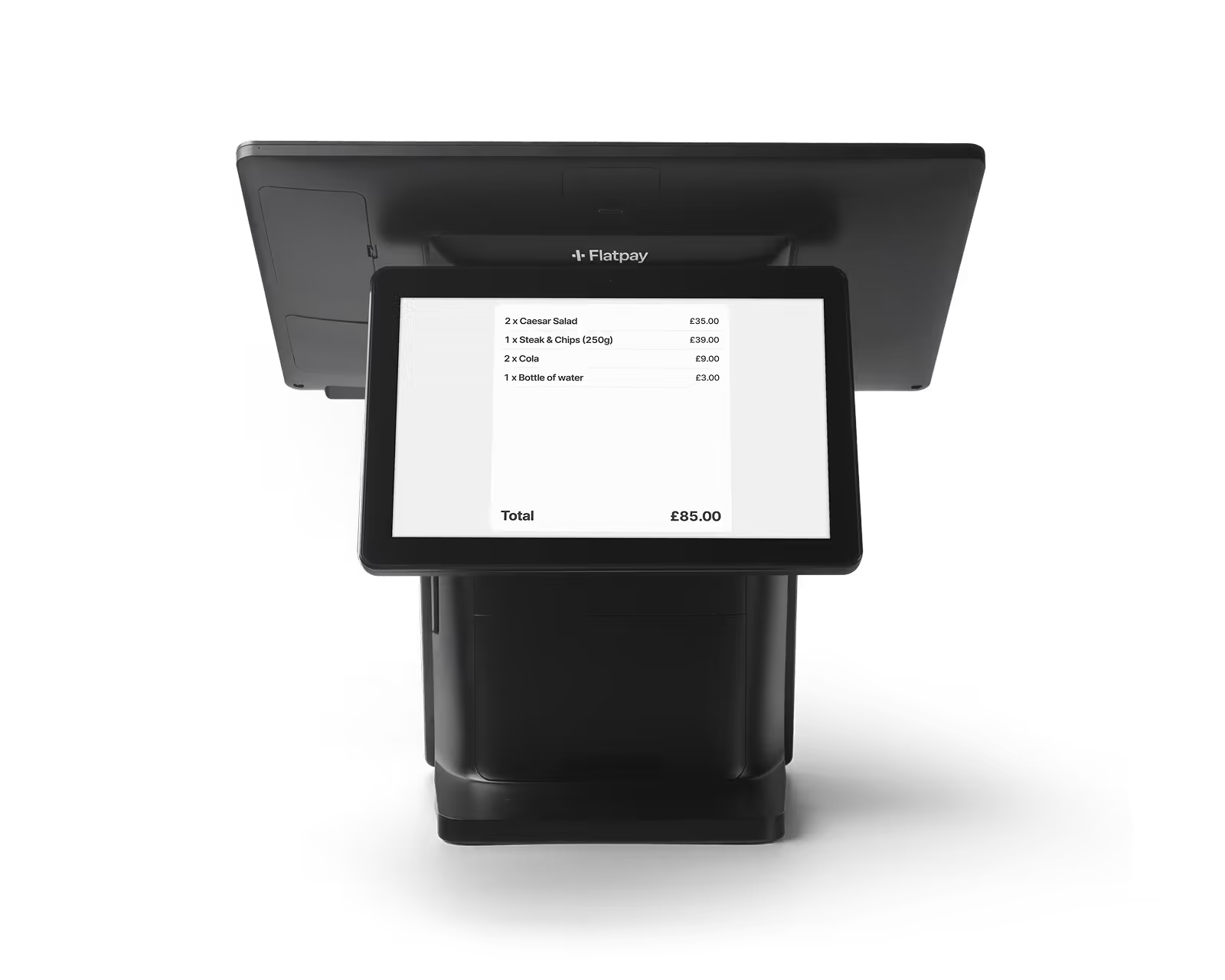
In practice, most modern POS systems – like Flatpay – are EPOS systems. That's why the two terms are frequently used interchangeably today.
If you'd like to learn more about the fundamentals of payment processing, you might also be interested in our guide to what a POS system is.
How does an EPOS system work?
An EPOS system follows a straightforward process.
1. A sale is entered
Products, services, or orders are entered into the system. This might involve scanning a barcode, selecting a menu item, or choosing a service from a touchscreen interface.
2. The payment is processed
The customer pays using their preferred payment method, such as a card, contactless payment, mobile wallet, or cash.
3. The transaction is recorded digitally
Once the payment is approved, the transaction is automatically stored within the EPOS system.
4. Reports update automatically
Sales reports, transaction records, and business data are updated in real time.
This is where EPOS systems provide the most value: every sale contributes to a larger picture of how your business is performing.
What features does an EPOS system offer?
Every EPOS system is different, but most include tools designed to help businesses stay organised and efficient. Here are some of the most common EPOS features:
Sales reporting
EPOS systems generate reports automatically, making it easy to review:
- Daily sales
- Weekly performance
- Monthly revenue
- Peak trading periods
This provides a clearer understanding of how your business is performing over time.
Inventory management
Many EPOS systems can help businesses track stock levels and product performance. That makes it easier to stay on top of inventory, identify best-selling products, and avoid over-ordering stock.
If your business carries stock, inventory management is one of the features that can really help you boost efficiency and profitability.
Customer insights
EPOS systems can help you identify patterns in customer behaviour and purchasing trends. These are the kinds of insights that can support better decision-making and business planning, which makes a big difference when you’re looking to grow your business.
Payment processing
Modern EPOS systems support a variety of payment methods, including:
- Debit cards
- Credit cards
- Contactless payments
- Apple Pay
- Google Pay
This gives customers flexibility while helping your business process payments quickly and efficiently.
Why do businesses use EPOS systems?
EPOS systems come with a variety of benefits that help businesses strengthen their daily operations:
- Better visibility: Understand sales performance, trading patterns, and business activity from one central system.
- Less manual admin: Transactions and reports are recorded automatically, reducing the need for manual data entry.
- Faster decision-making: When information is readily available, it's easier to identify trends and make informed business decisions.
- Greater control: EPOS systems help bring sales, payments, and reporting together in one place, making it easier to stay organised.
Typically, when businesses invest in EPOS technology, visibility is the driving factor.
Rather than relying on guesswork or manual spreadsheets, business owners can access information about their operations whenever they need it.
Which businesses use EPOS systems?
EPOS systems are used across a wide range of industries, including:
Retail
Retailers use EPOS systems to process sales, track inventory, and monitor product performance.
Restaurants and cafés
Hospitality businesses use EPOS systems to manage orders, process payments, and maintain smooth service.
Takeaways
Takeaway businesses benefit from faster order management and efficient payment processing during busy periods.
Bars and pubs
EPOS systems can help bars manage high transaction volumes and maintain efficient service.
Salons and barber shops
Service-based businesses, like salons and barbershops, use EPOS systems to process payments and track day-to-day sales activity.
Regardless of industry, the goal is usually the same: simplify operations and improve visibility.
EPOS systems vs traditional cash registers
Traditional cash registers were designed to record sales and store cash. Modern EPOS systems go much further.
A traditional cash register typically allows businesses to:
- Record transactions
- Calculate totals
- Print receipts
An EPOS system does all of that, but can also:
- Generate reports automatically
- Print physical or send digital receipts
- Track sales trends
- Monitor inventory
- Store transaction history
- Provide real-time business insights
For businesses looking to reduce admin and improve visibility, EPOS systems offer significantly more functionality than traditional tills.
Common questions about EPOS systems
What does EPOS stand for?
EPOS stands for Electronic Point of Sale.
What's the difference between POS and EPOS?
A POS system processes transactions, while an EPOS system also records and manages transaction data digitally. In practice, most modern POS systems are EPOS systems.
Is an EPOS system the same as a till?
Not exactly. A traditional till focuses on recording sales, while an EPOS system also provides reporting, insights, and business management features.
Can an EPOS system track inventory?
Many EPOS systems include inventory management tools that help businesses monitor stock levels and product performance.
Do small businesses need an EPOS system?
Many small businesses benefit from EPOS systems because they reduce admin, improve visibility, and help owners stay on top of day-to-day operations.
Can an EPOS system accept card payments?
Yes. Most modern EPOS systems support card payments, contactless transactions, and mobile wallets such as Apple Pay and Google Pay.
A smarter way to manage payments and sales
An EPOS system isn't just about taking payments. It's about understanding how your business is performing and making day-to-day operations easier to manage.
The right system helps you stay organised, access useful insights, and spend less time on manual admin.
Flatpay combines payment processing, reporting, and easy-to-use POS software in one simple solution:
- £0 monthly fees
- 1.69% flat transaction rate
- No hidden charges
- Simple, easy-to-use hardware
- 24/7 human support
With Flatpay, you can manage payments and sales and stay on top of business operations with ease – without unnecessary complexity.
Ready to simplify payments and gain a clearer view of your business?

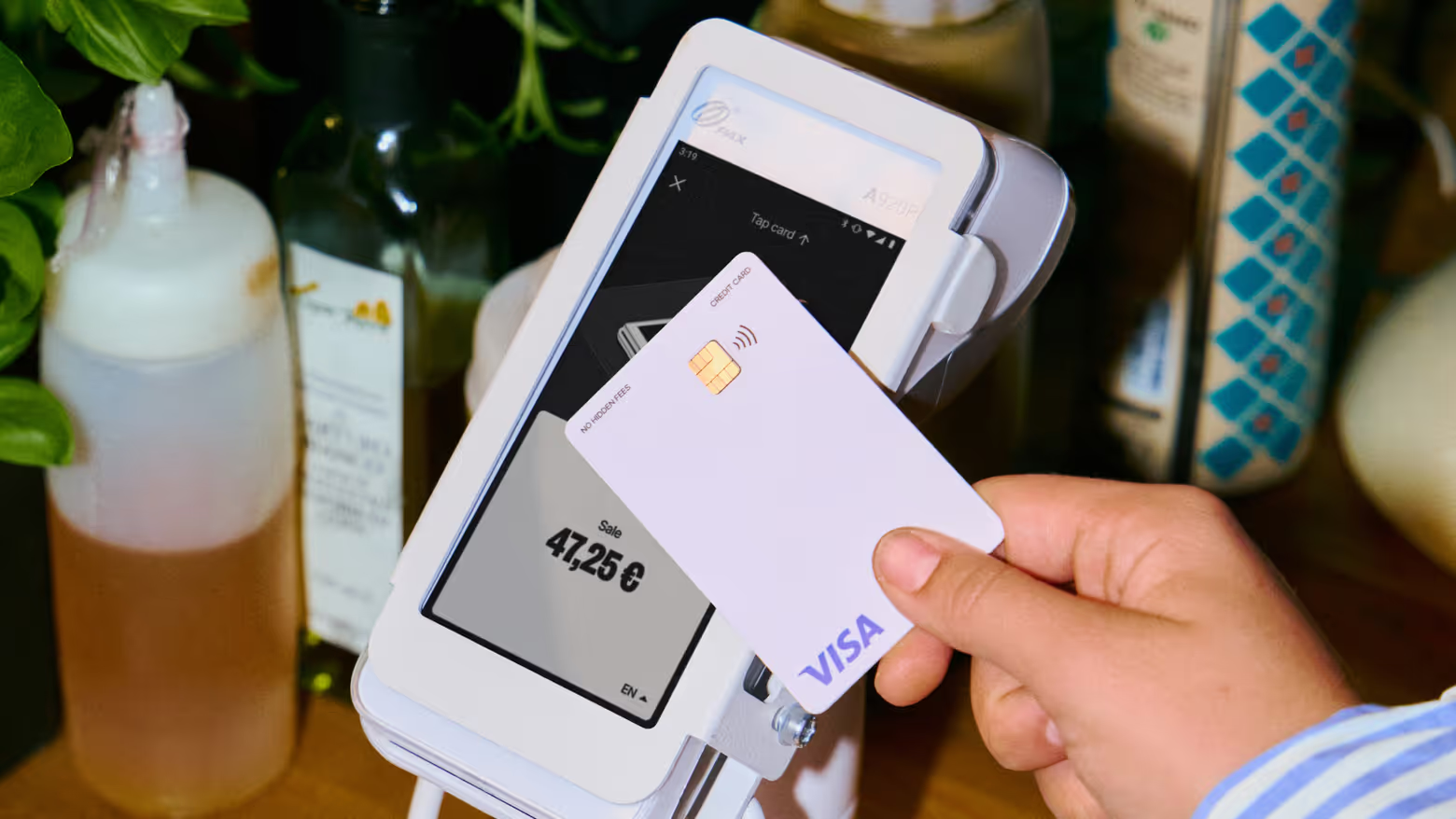

Accepting payments for any business, anytime, anywhere
Two solutions designed to get you paid.

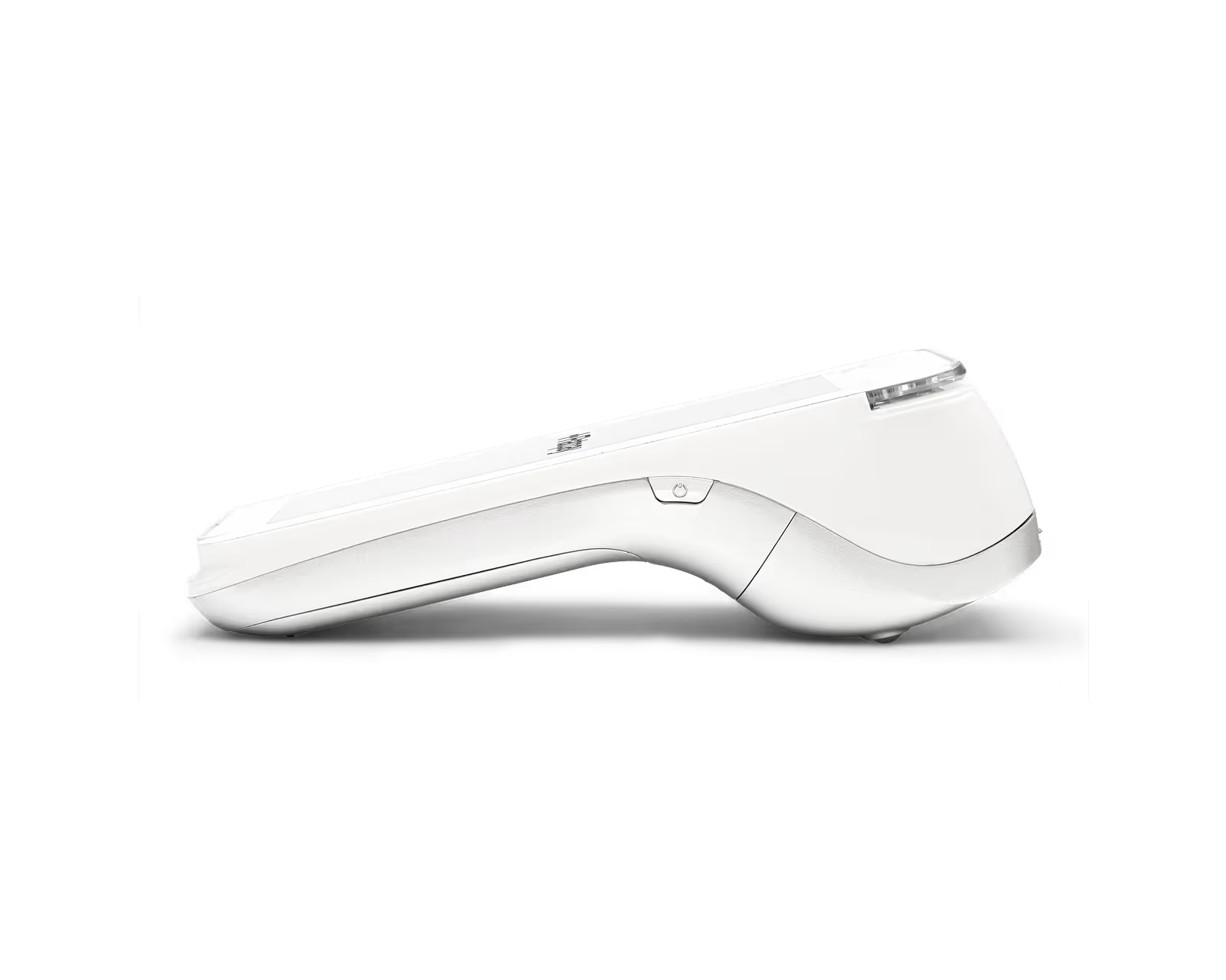
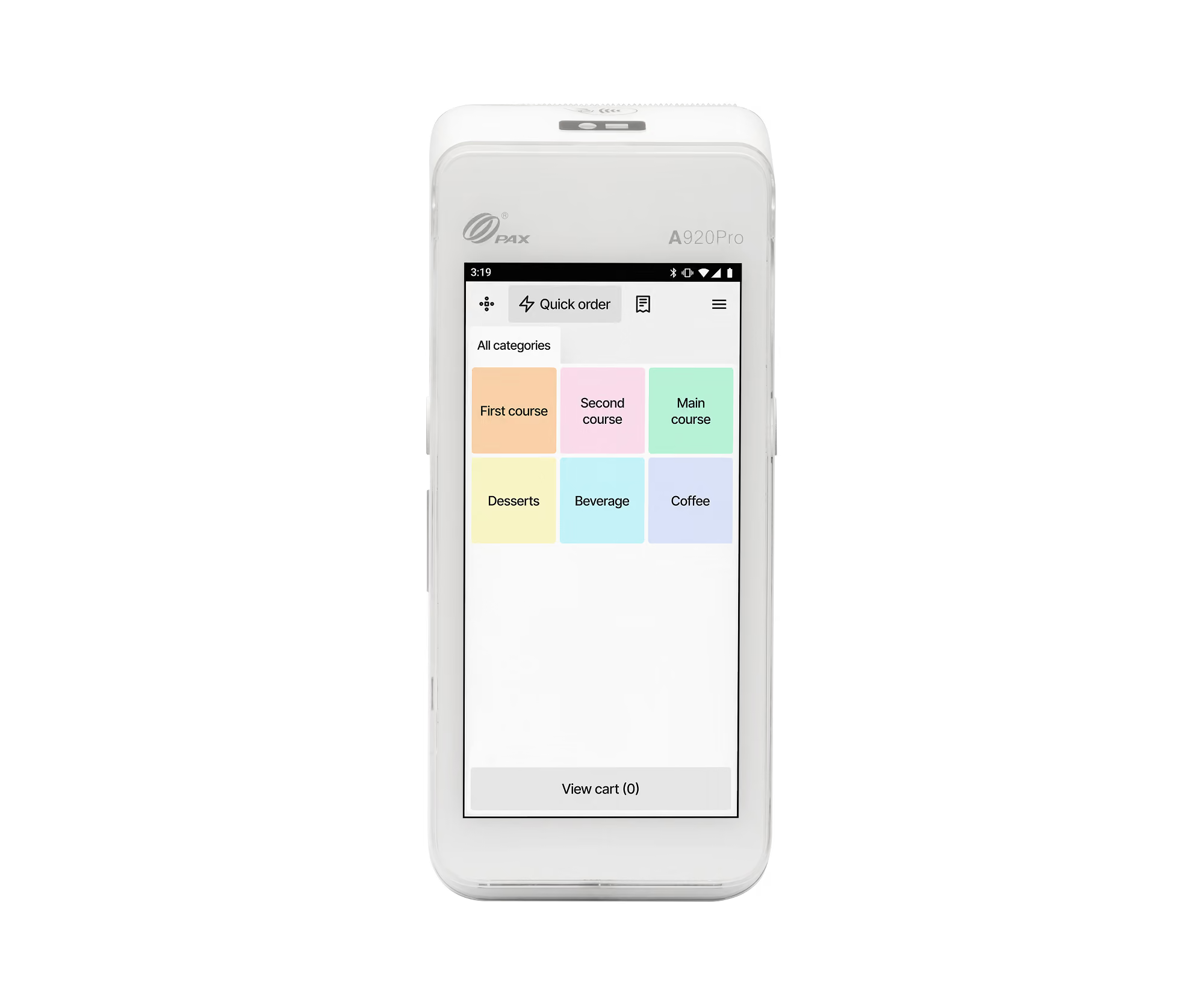
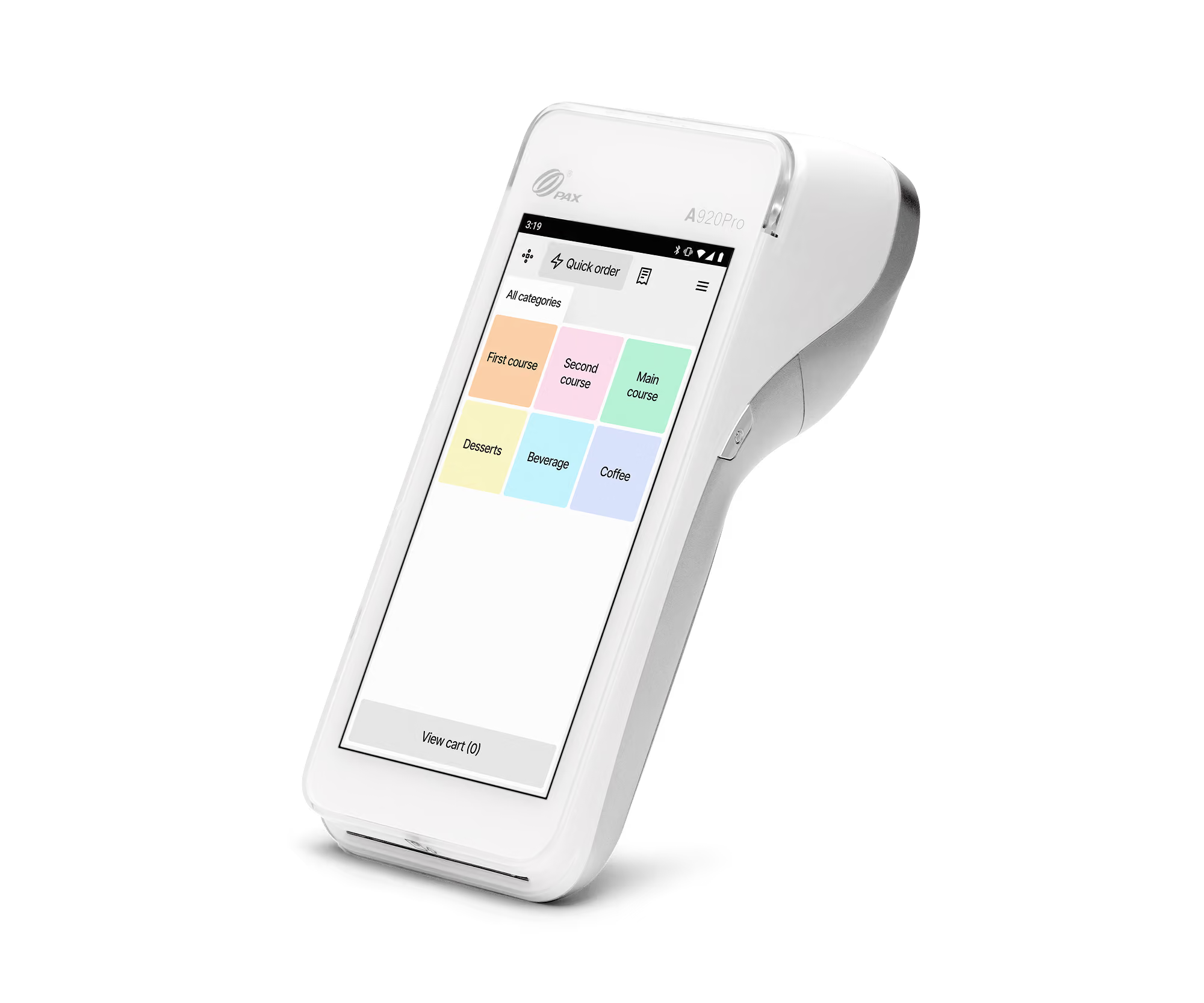

Getting paid starts here
Let us get you set up to accept card payments and manage orders in one place. Get started today and see how smooth running your business can be with Flatpay.

