
Looks like you're visiting from {country}...
Switch to our {language} site for local pricing and products
Merchant insights
What is a POS system – and how does it work?
If you’re running a business, you need a simple way to take payments, track sales, and stay in control of your day-to-day operations. That’s exactly what a POS system is for.
IN THIS ARTICLE
This is a div block with a Webflow interaction that will be triggered when the heading is in the view.
.avif)
But what exactly is a POS system? How does it work, and what can it do for your business? We’ll guide you through what you need to know to accept payments with confidence and choose the right POS for your business.
Key takeaways:
- A POS system is the hardware and software you use to take payments and track sales.
- It works by recording each transaction, processing payment, and updating your data automatically.
- A good POS system is easy for staff to use and reliable when it gets busy.
- It gives you a clear overview of your business and helps you reduce mistakes, save time on admin, and stay organised.
- Choosing the right POS system comes down to ease of use, reliability during busy periods, transparent pricing, and how well it fits your day-to-day workflow.
What is a POS system?
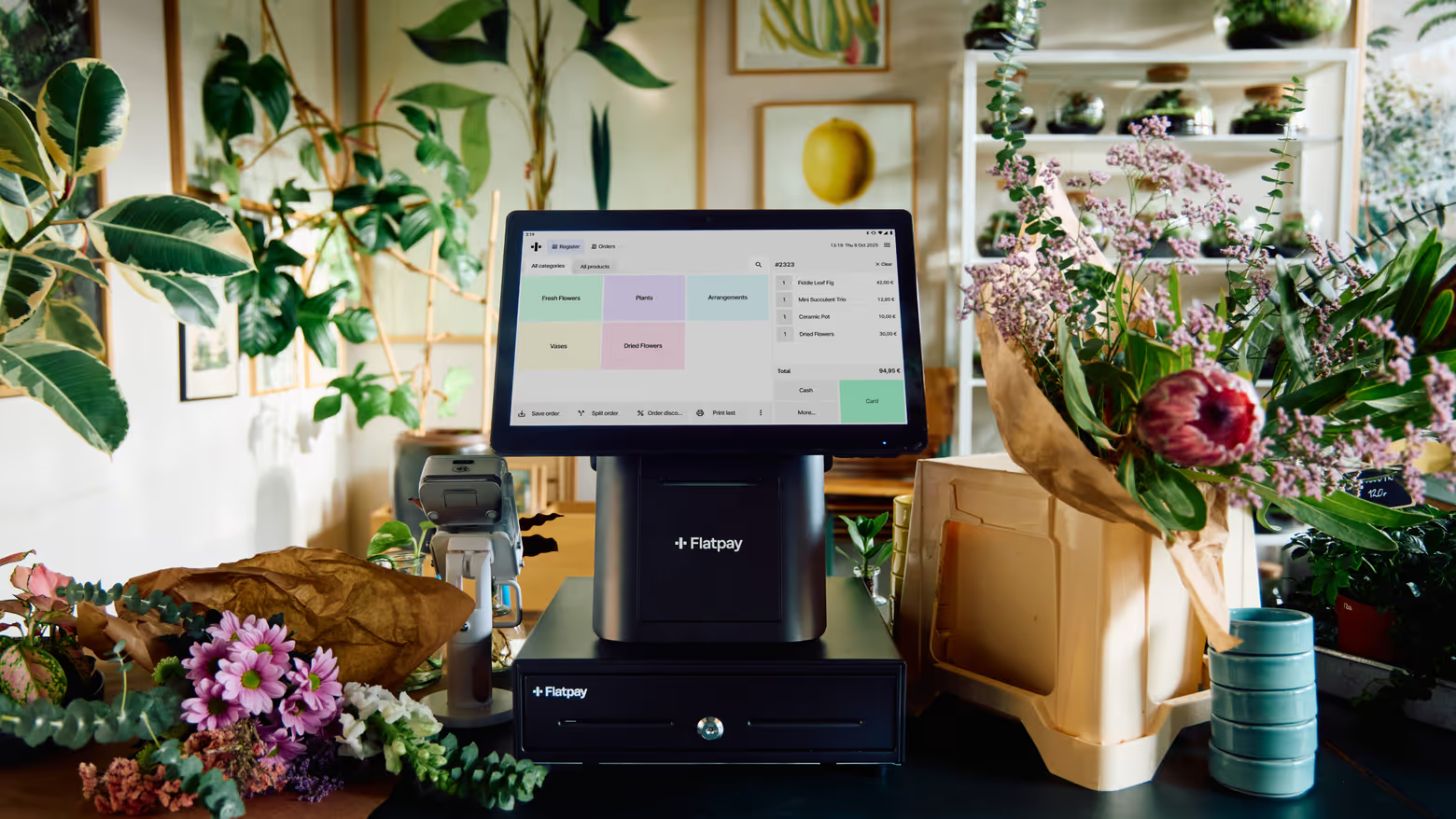
A POS system – short for point-of-sale system – is the hardware and software you use to process sales. It’s what allows the customer to pay you, whether at a counter, at their table, on the shop floor, or online.
A modern POS system does more than just take payments. It also helps you:
- Track what you sell
- Monitor your sales
- Keep things organised
- Stay on top of your business
Put simply, your POS is where your sales happen – and where your business keeps track of them.
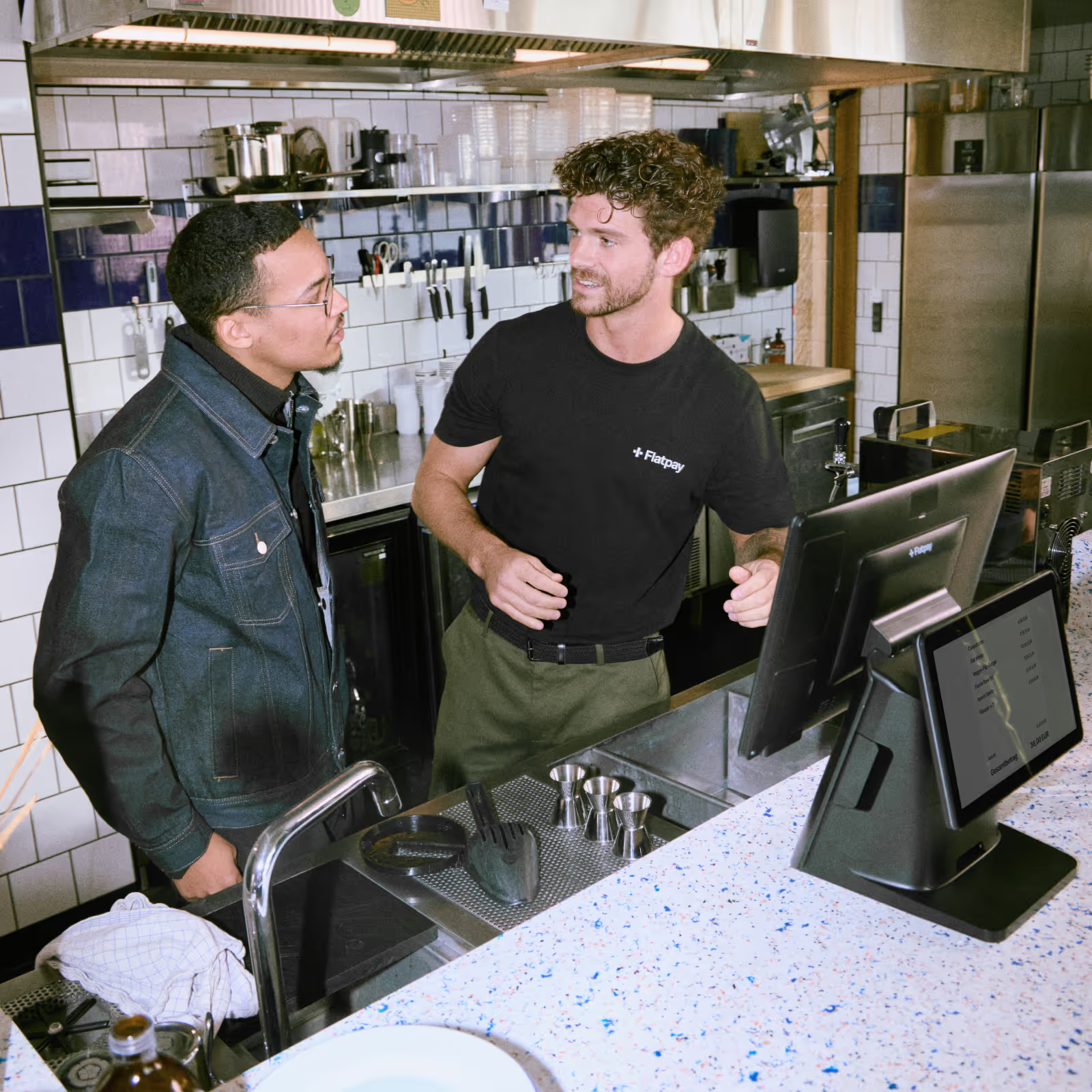
What is a POS system in a restaurant?
In a restaurant or café, a POS system is built for speed and flow.
You use it to:
- Take orders quickly
- Send them to the kitchen
- Process payments without slowing service
A good restaurant POS helps you keep tables turning, reduce mistakes, and stay in control – even during the lunchtime rush.
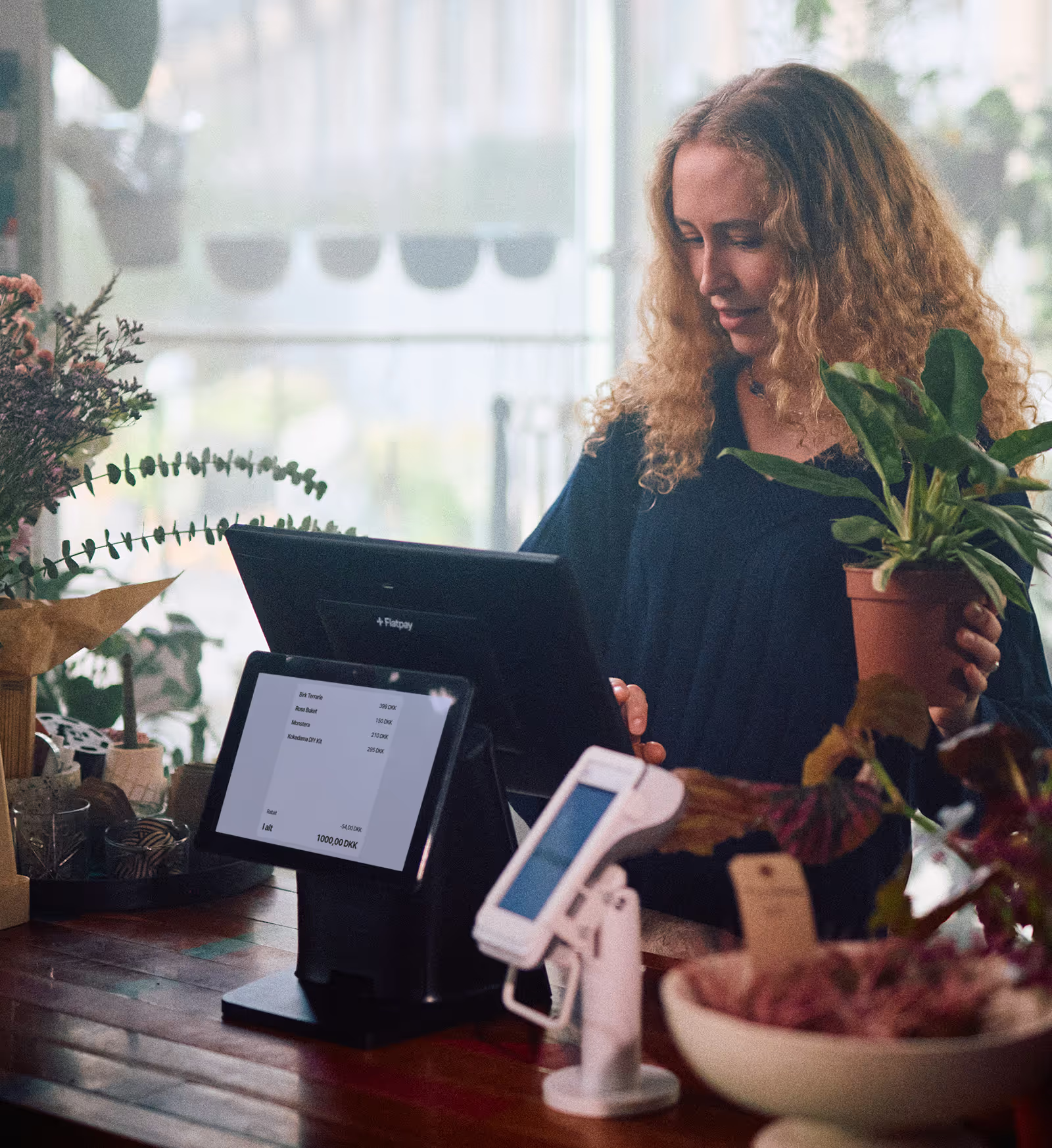
What is a POS system in retail?
In retail, the focus is more on overview and organisation.
A POS system helps you:
- Process sales quickly at the counter or on the floor
- Keep track of inventory
- See what’s selling and what isn’t
It gives you a clear view of your business, so you can stay organised and make better decisions.
How does a POS system work?
A POS system follows a simple, three-step flow. Here’s how it works in practice:
1. You enter the sale
The process starts when a customer is ready to pay. For online shops, this happens when a customer finishes adding items to their cart and clicks the checkout button.
If you have a physical shop, you add the customer’s items to the POS. In retail, you might select a product or scan a barcode. In a café or restaurant you tap in an order, and in a service business you select the service provided.
Everything is clearly laid out, so it’s easy to find what you need.
2. The system calculates everything automatically
The POS totals the order instantly. That includes:
- Prices
- VAT
- Any discounts or add-ons
At the same time, the system updates your records in the background, so your sales and (if relevant) stock levels stay accurate without extra work.
3. The customer pays
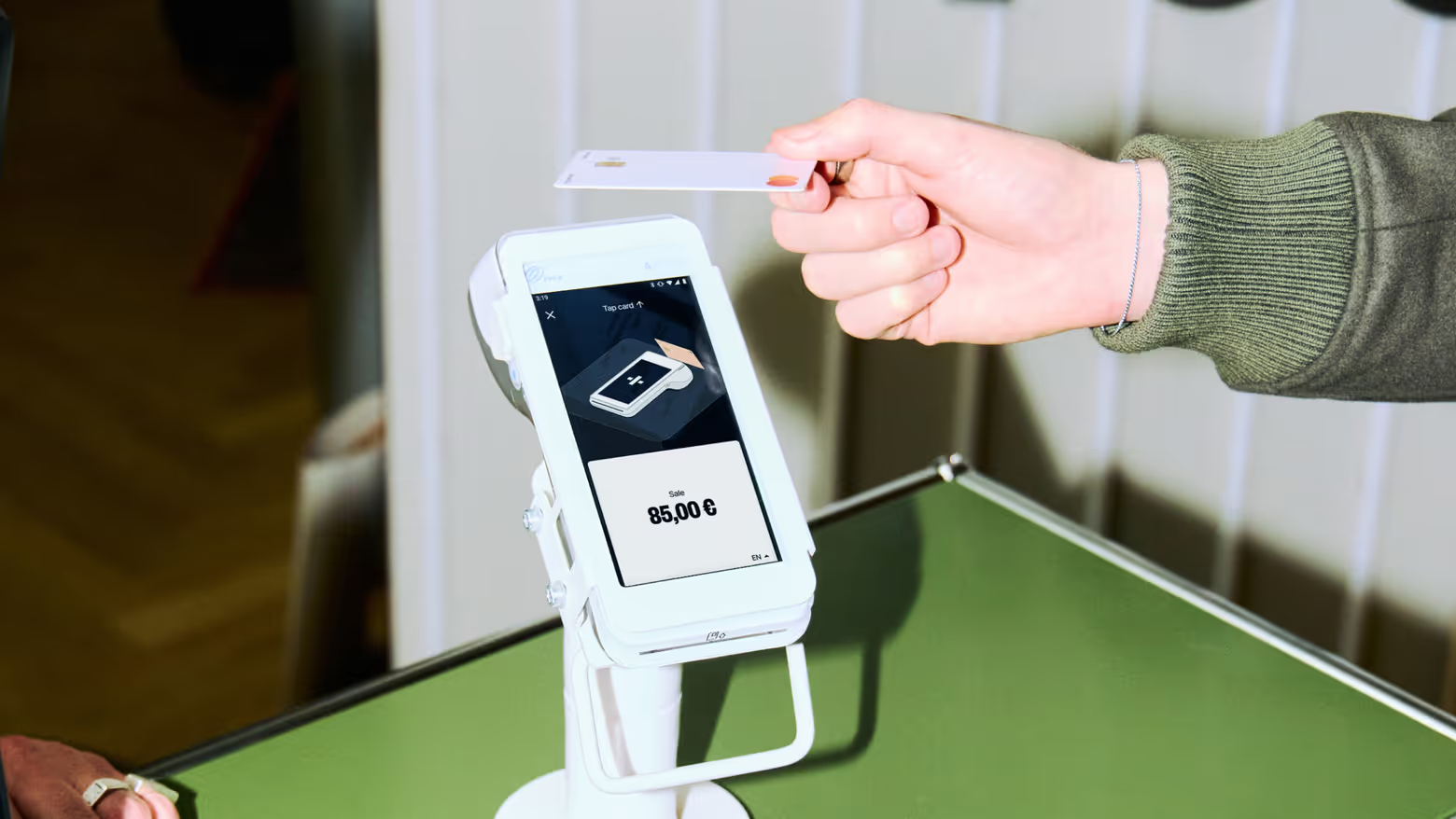
The customer chooses how they want to pay – typically card or contactless, mobile wallet (like Apply Pay or Google Pay), or cash, if accepted.
The payment is processed securely, and the transaction is approved within seconds. From your side, it’s simple: tap, confirm, done.
4. The sale is completed and recorded
Once the payment goes through, the sale is saved automatically. A receipt can be printed or sent digitally, and your reports update in real time. There’s nothing to log manually. Everything is already where it needs to be.
Every transaction feeds into your overview. You can track sales as they happen, see how your day is going, and stay in control without checking multiple systems.
What hardware and software does a POS system include?
A POS system includes both hardware – used in physical stores – and software.
Hardware
POS hardware is what you physically use to take payments. It covers a range of items, such as:
- Card terminal
- POS screen or tablet
- Receipt printer (if needed)
- Barcode scanner (common in retail)
For many small businesses, this can be as simple as a single device that does it all. You might only need a POS and a card terminal – or you might be fine with the card terminal alone.
Software
The software is the part that runs in the background and keeps everything organised. If you have an online store, all sales happen on your website, which means you don’t need POS hardware to accept payments.
POS software is used for:
- Sales tracking
- Product or service setup
- Reporting and insights
- Payment processing
Good POS software is easy to use and get into, so it shouldn’t take you long to get started.
What can a POS system do for your business?
Beyond accepting payments, a POS system helps you run your business day to day. That comes with a lot of benefits:
- Faster service: You can process sales quickly and keep things moving – especially when it gets busy. Less waiting. Fewer queues. Smoother flow.
- Fewer mistakes: Orders and transactions are handled digitally, which reduces manual errors. No more guessing what was sold or misreading handwritten notes.
- Easier for staff: A clear, simple interface makes it easier for staff to learn and use. That matters when you’re onboarding new team members or working under pressure.
- Clear overview: With a POS system, you can see your sales, performance, and activity in one place. What’s selling, what isn’t, what your day looks like – it’s all available when you need it.
- Less admin: The system records sales automatically and generates reports for you. That means less time spent on spreadsheets and more time spent running your business.
- More control: When everything is handled in one system, it’s easier to stay organised and make the right decisions. No need to chase down information – it’s already at your fingertips.
In short, a good POS system is well worth the investment, which makes it all the more important to find the right solution for your business.
How to choose the right POS system for your business
Not every POS system fits every business. The right choice depends on how you work day to day.
Here are a few things to look for:
1. Make sure it’s easy to use
Your POS should be simple for you and your staff to learn. If it takes too long to understand, it will slow you down – especially when it gets busy.
2. Check how it performs under pressure
Busy periods are where it matters most. Look for a system that stays fast and reliable when you’re handling multiple customers at once.
3. Look for clear, transparent pricing
Costs should be easy to understand. Avoid systems with hidden fees or complicated pricing structures – you should always know what you’re paying.
You might also be interested in: Card machine fees explained
4. Think about your day-to-day workflow
Choose a POS that fits how your business actually runs. Whether you’re taking quick orders, managing stock, or serving tables, the system should support your workflow – not complicate it.
5. Make sure you get the support you need
If something goes wrong, you need help fast. Look for a provider that offers reliable, human support when you need it.
6. Choose a system that gives you full overview of your business
Your POS should help you stay in control. Sales, performance, and activity should be easy to access without digging through multiple tools.
Choosing the right POS system isn’t about getting the most features. It’s about getting something that works for your business, whether on slow mornings or during peak hours.
Take the hassle out of payments
A POS system is one of the most important tools in your business. When it works well, it helps you stay in control, serve customers smoothly, and keep things running day after day.
The key is choosing a system that’s easy to use, reliable when it gets busy, clear about pricing, and built for how your business actually works. Because in the end, it’s not just about taking payments: it’s about making daily operations simpler.
Ready to simplify your day to day?
Flatpay gives you a simple, reliable way to take payments, stay in control, and keep your business moving – every day.
Accepting payments for any business, anytime, anywhere
Two solutions designed to get you paid.


Getting paid starts here
Let us get you set up to accept card payments and manage orders in one place. Get started today and see how smooth running your business can be with Flatpay.

