
Looks like you're visiting from {country}...
Switch to our {language} site for local pricing and products
Merchant insights
How long do refunds take? Credit and debit card refunds explained
Refunds are part of running a business. Whether it’s a returned product, a cancelled booking, or a customer issue, being able to process refunds smoothly matters for both your operations and customer experience.
IN THIS ARTICLE
This is a div block with a Webflow interaction that will be triggered when the heading is in the view.
.avif)
One of the most common questions businesses hear is: ‘How long will my refund take?’
The answer depends on several factors, including the payment method, the customer’s bank, and how the refund is processed behind the scenes.
We’ll explain how card refunds work, how long they usually take, and what businesses should know when handling questions about refunds.
Key takeaways:
- Most card refunds take between 3–10 working days to appear in the customer’s account.
- Debit card and credit card refunds follow a similar process, but timings can vary between banks.
- Refund delays are usually caused by banking processes – not the business itself.
- Clear communication and accurate records help reduce refund-related support queries.
- Modern POS systems make it easier to process, track, and manage refunds in one place.
What is a card refund?
A card refund is when money from a previous payment is returned to the customer’s card.
Instead of taking a new payment, the transaction works in reverse:
- The business initiates the refund
- The payment provider processes it
- The customer’s bank returns the funds to the customer’s account
Refunds can be full or partial depending on the situation.
How do refunds work?
Behind the scenes, refunds follow several steps before the money appears back in the customer’s account.
1. The business processes the refund
The refund is initiated through the card machine, POS system, or payment platform. This creates a refund request linked to the original transaction.
2. The payment provider processes the request
The payment provider securely sends the refund through the banking network. At this stage, the refund is authorised and prepared for settlement.
3. The customer’s bank receives the refund
Once the bank receives the request, it processes the refund internally and updates the customer’s balance. This is where delays can happen, since processing times vary between banks.
4. The refund appears in the customer’s account
Once fully processed, the funds become available again. From the customer’s perspective, this usually appears as a reversed transaction or refund entry on their statement.
How long does a credit card refund take?
Most credit card refunds take around 3–5 working days. Depending on the bank, it can sometimes take up to 10 working days.
Some refunds appear faster, but businesses should generally advise customers to allow several working days before following up.
International cards or more complex banking systems can occasionally take longer.
How long does a debit card refund take?
Debit card refunds usually follow a similar timeframe to credit cards. Most debit card refunds take around 3–5 working days, but can occasionally take up to 10 working days.
In many cases, the speed depends more on the customer’s bank than the payment provider or card machine itself.
Why do refunds sometimes take longer?
Refund delays are usually caused by banking processes rather than issues with the business.
Common reasons include:
- Bank processing times: Different banks process refunds at different speeds. Some update accounts quickly, while others batch transactions over several days.
- Weekends and bank holidays: Refunds are typically processed on working days only. A refund made on Friday evening may not begin processing until Monday.
- International transactions: Cross-border payments can involve additional processing steps and currency handling.
- Pending transactions: If the original payment is still pending, the refund process can sometimes take longer to complete.
- Technical or network delays: Occasionally, delays happen within the banking or card network systems themselves. These are usually temporary.
How to handle refund queries from customers
Refund questions are common – especially when customers expect the money to appear instantly.
Clear communication helps avoid frustration.
Be upfront about timelines
It helps to explain refund timings clearly when processing the refund:
‘The refund has been processed from our side. Most banks take 3–10 working days to return the funds.’
This reassures customers that action has already been taken.
Keep records organised
A POS system or payment platform should let you:
- View refund history
- Confirm refund status
- Access transaction details quickly
That makes it much easier to answer customer questions confidently.
Send receipts where possible
Digital refund confirmations can reduce uncertainty and provide proof that the refund has been initiated.
Chargebacks vs refunds – what’s the difference?
Refunds and chargebacks are often confused, but they’re not the same thing.
Refunds
A refund is initiated by the business.
This usually happens when:
- A customer returns an item
- A booking is cancelled
- The business agrees to reverse the payment
The process is cooperative and handled directly through the payment system.
Chargebacks
A chargeback happens when the customer asks their bank to reverse the payment instead.
This often happens because:
- The customer disputes the transaction
- They believe there was fraud
- They’re unhappy with the purchase
- They couldn’t resolve the issue directly with the business
Chargebacks are handled through the banking system and can involve additional fees or disputes for the business.
In most cases, resolving issues early and processing refunds quickly helps reduce chargebacks.
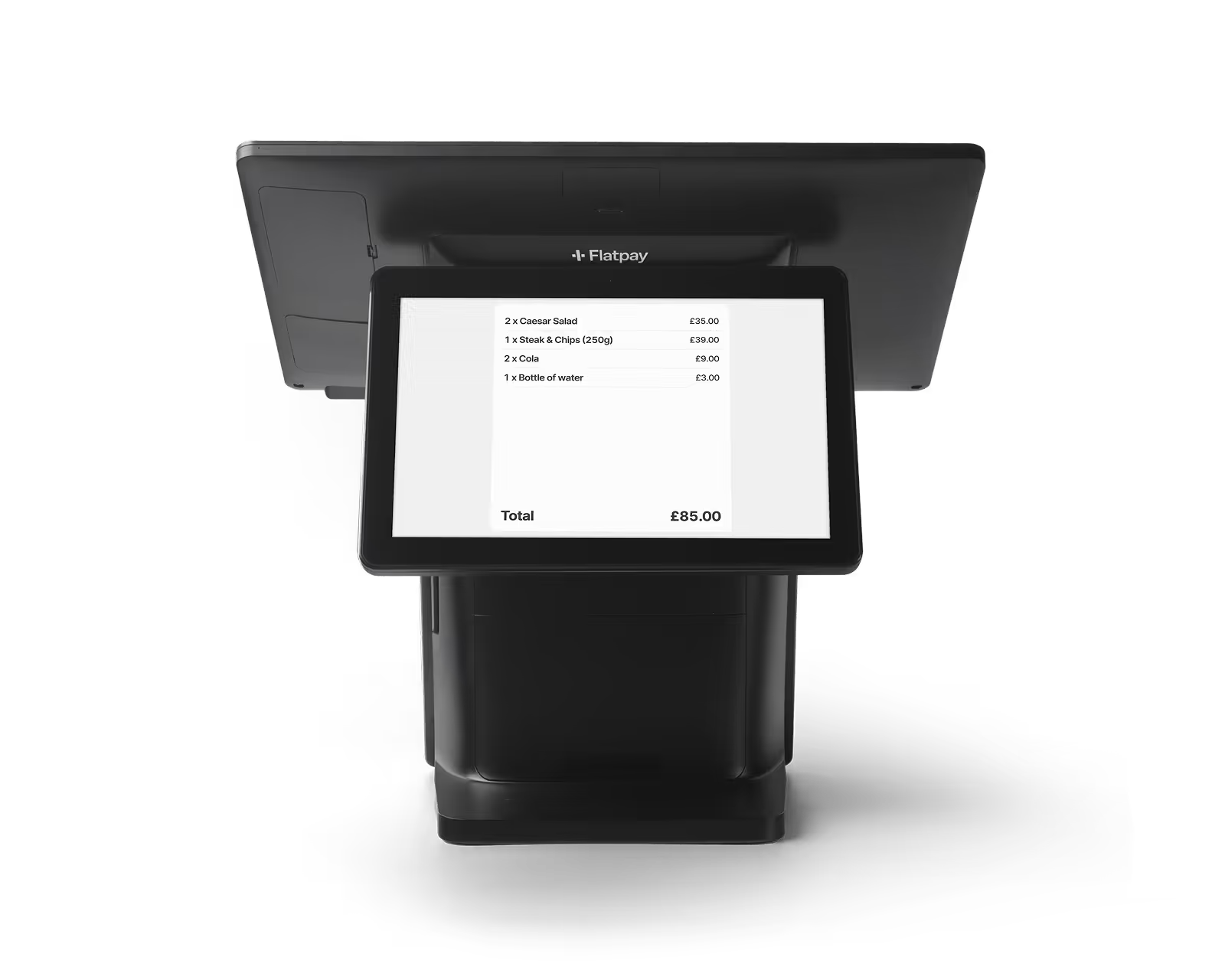
How a POS system can help manage refunds
For many small businesses, refunds become harder to manage when records are scattered across multiple systems.
A modern POS system helps simplify the process by keeping everything in one place.
With the right setup, you can:
- Process refunds quickly
- Find past transactions easily
- Track refund history
- Keep records organised
- Reduce manual admin
- Handle customer questions faster
That visibility helps businesses stay organised and maintain a smoother customer experience.
A simpler way to handle payments and refunds
Refunds are part of everyday business. The important thing is having systems that make the process straightforward – both for your team and your customers.
Flatpay is designed to keep payments simple:
- No monthly fees
- No hidden charges
- One simple, flat transaction rate
With reliable payment solutions, clear reporting, and easy-to-manage transactions, Flatpay helps businesses stay in control of day-to-day payments — including refunds.
Because when something needs resolving, the process should feel simple, not stressful.
Ready to simplify payments for your business?



Accepting payments for any business, anytime, anywhere
Two solutions designed to get you paid.


Getting paid starts here
Let us get you set up to accept card payments and manage orders in one place. Get started today and see how smooth running your business can be with Flatpay.

